Building a Free Photoshop Alternative, Part 1: Connecting GitHub Libraries with AI
Photoshot started by combining existing software with code written with AI. React and PixiJS supplied established building blocks; Photoshot needed its own document model, layer wiring and masks. This first entry follows the actual imports and integration code, then distinguishes that early renderer from the later Canvas compositor.
Sources checked · Revised October 16, 2026
Read the article ↓
The foundation came from existing projects
React provided UI and state management; PixiJS rendered image layers in the early version. The initial public commit imports Application, Sprite and Texture from pixi.js. This is evidence of an actual dependency, not just a repository mentioned during research.
Using GitHub-developed code here meant installing a package and calling its API. It did not mean copying an entire editor repository and relabeling the finished application.
'use client';
import { useEffect, useRef } from 'react';
import { Application, Sprite, Texture } from 'pixi.js';
import 'pixi.js/advanced-blend-modes';
import { layerSurface, type StudioDoc } from './document';AI helped write the integration
PixiJS does not know where Photoshot stores position, rotation or opacity. The integration code creates a Sprite from a layer surface, then maps Photoshot’s layer fields onto PixiJS properties. In this excerpt, l is our layer data and s is the renderer’s object.
This was the practical role of AI-assisted coding: connect an established library to our application’s data and editing behavior.
const s = new Sprite(Texture.from(canvas));
s.anchor.set(0.5);
s.position.set(l.x + l.width / 2, l.y + l.height / 2);
s.rotation = (l.rotation * Math.PI) / 180;
s.alpha = l.opacity;
s.blendMode = l.blend;
a.stage.addChild(s);A mask without erasing the source
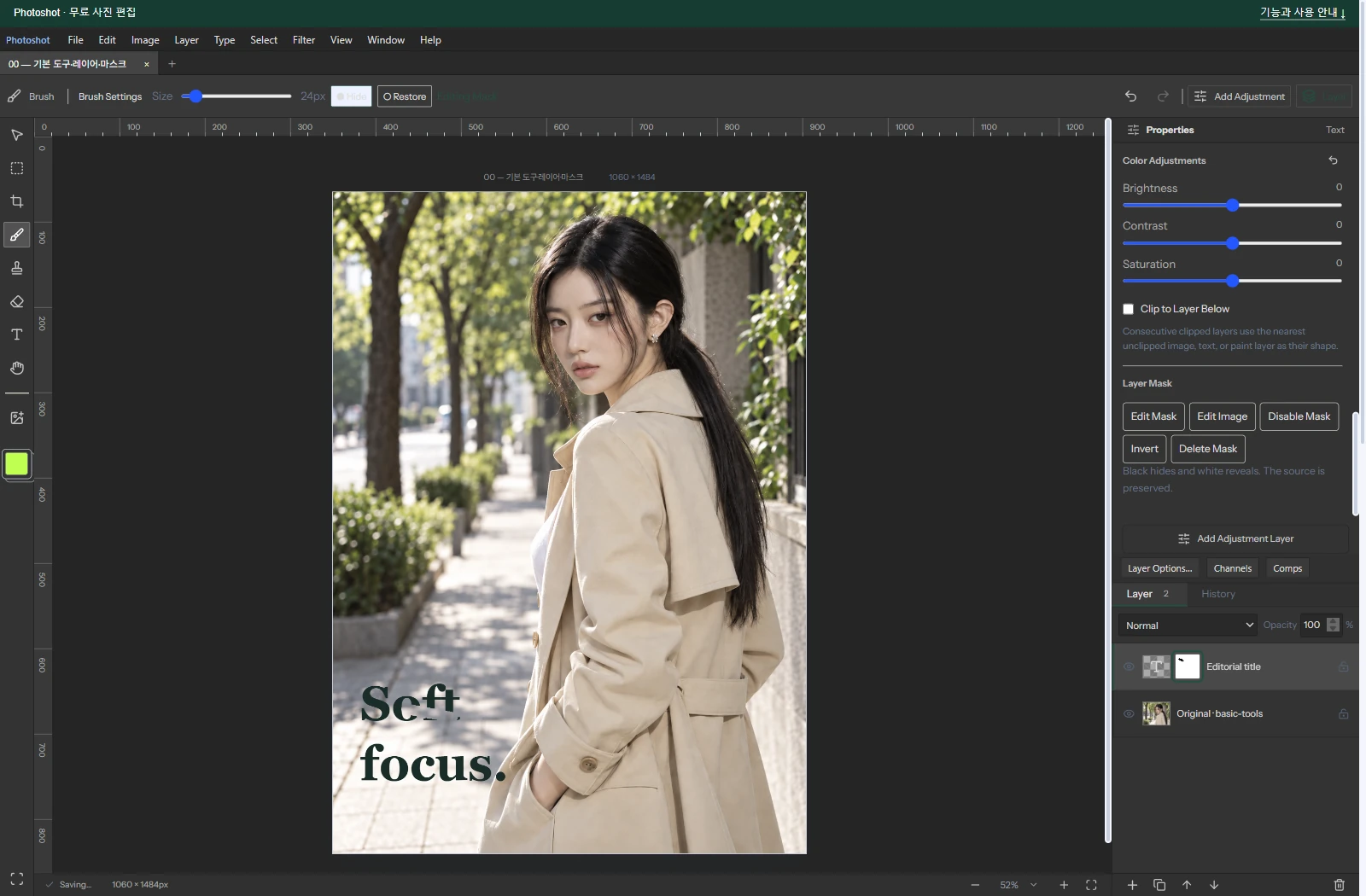
Displaying layers was only the start. Painting a mask must preserve source pixels so disabling it can restore the image. Photopea’s mask documentation informed the expected behavior; Photoshot’s masking integration was written separately.
The current code applies destination-in to a temporary layer surface, then restores source-over. Keeping the source image and mask separate makes this reversible behavior possible.
if (layer.mask?.enabled) {
  ctx.globalCompositeOperation = 'destination-in';
  ctx.drawImage(maskSurface(layer.mask), 0, 0, c.width, c.height);
  ctx.globalCompositeOperation = 'source-over';
}Separating the early and current renderers
Later development needed preview and export to agree. In v0.16.0, Stage calls the shared composite function rather than creating the early PixiJS Sprites. Preview size is bounded, and stale work can be cancelled when a newer edit arrives.
The accurate story therefore has two stages: actual PixiJS use initially, followed by a shared Canvas-based composition path. Reading different revisions matters when explaining where the software came from.
const image = await composite(d, false, {
  maxEdge: 1600,
  cancelled: () => !mounted.current || r !== revision.current,
});
if (!mounted.current) break;What the screenshots need to prove
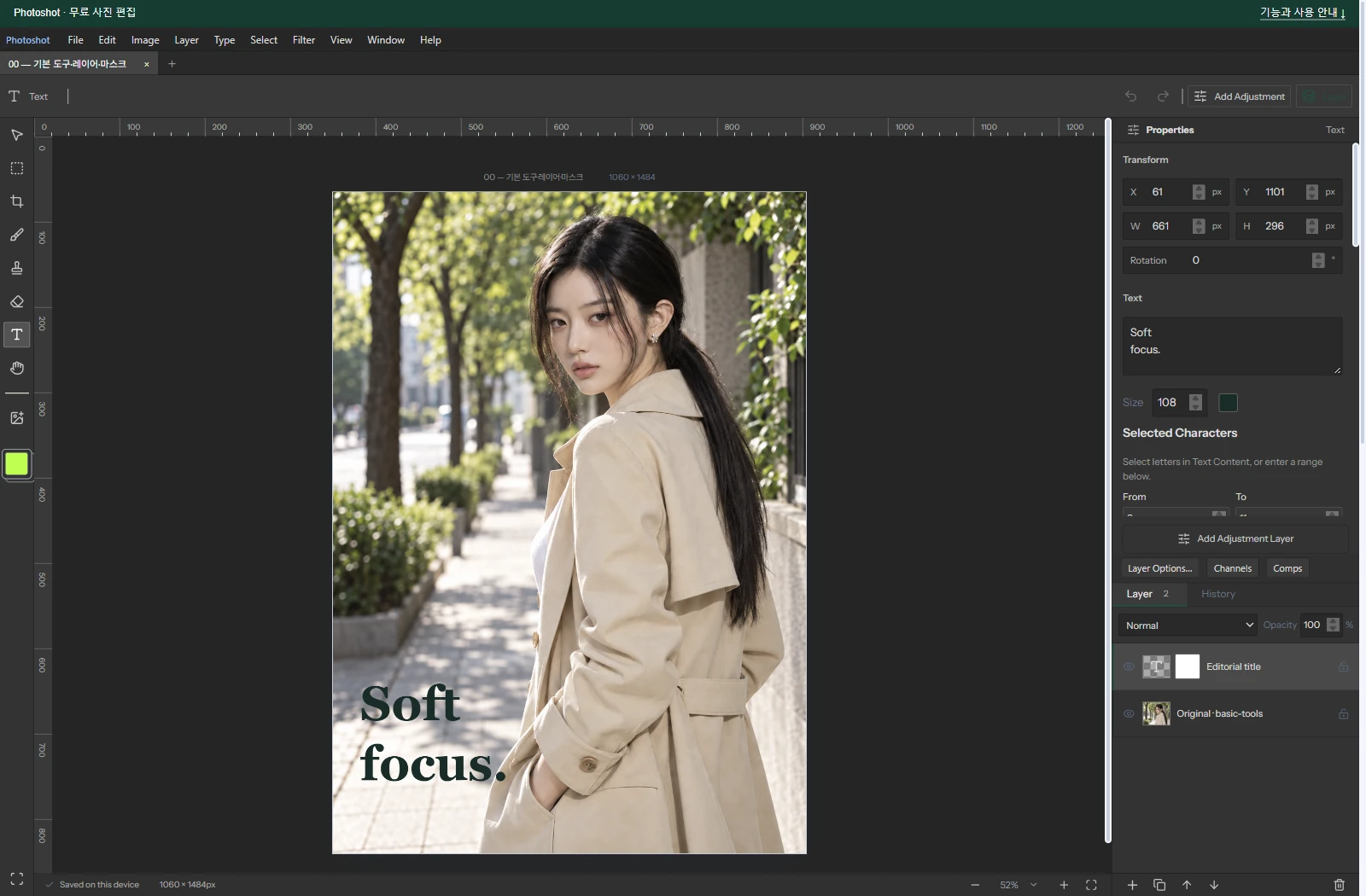
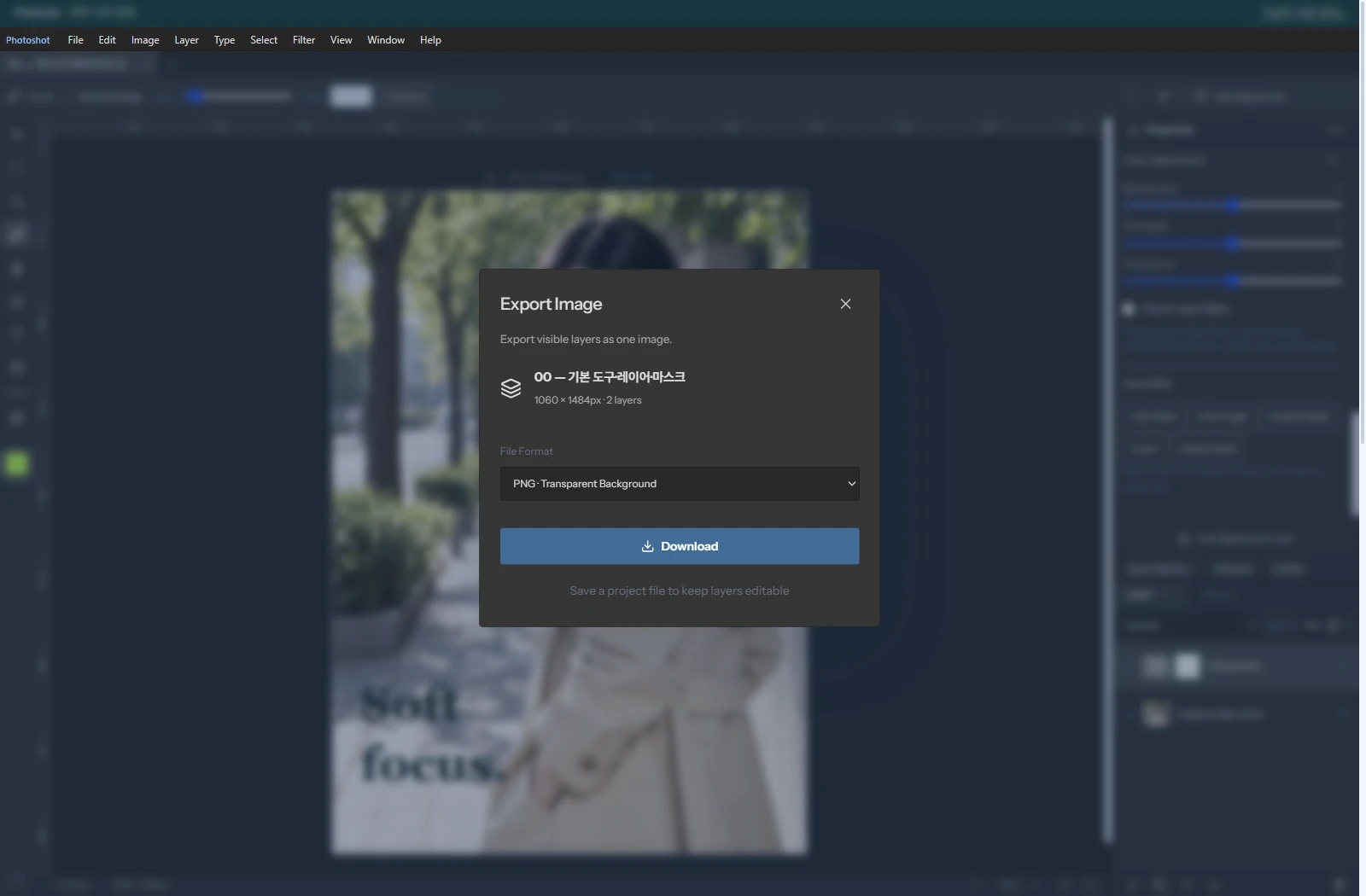
The screenshots document the actual editor and implementation. Verification covered layer order, toggling masks, saving and reopening, and export. Mask-render tests also check that the source remains unchanged.
Fast code generation alone does not ensure that edits survive. Separating the library’s responsibilities from our document, persistence and composition code made failures easier to locate.
What we reused and what we built
We reused React and, initially, PixiJS. We consulted mask behavior documentation. With AI, we wrote and revised layer mapping, mask application, persistence and the later shared compositor. Building those connections turned available components into an editor.
Part 2 follows a more specific GitHub reference: Konva’s contrast filter, our own brightness/contrast implementation and the corrections required after comparison. Excerpts here come from the initial public commit and v0.16.0.