Building a free Photoshop alternative
Equal to the threshold is white
Threshold connects established brightness arithmetic to a comparison. With AI, we checked decision order, histogram display and alpha preservation, treating one-value boundary differences as part of editing behavior.
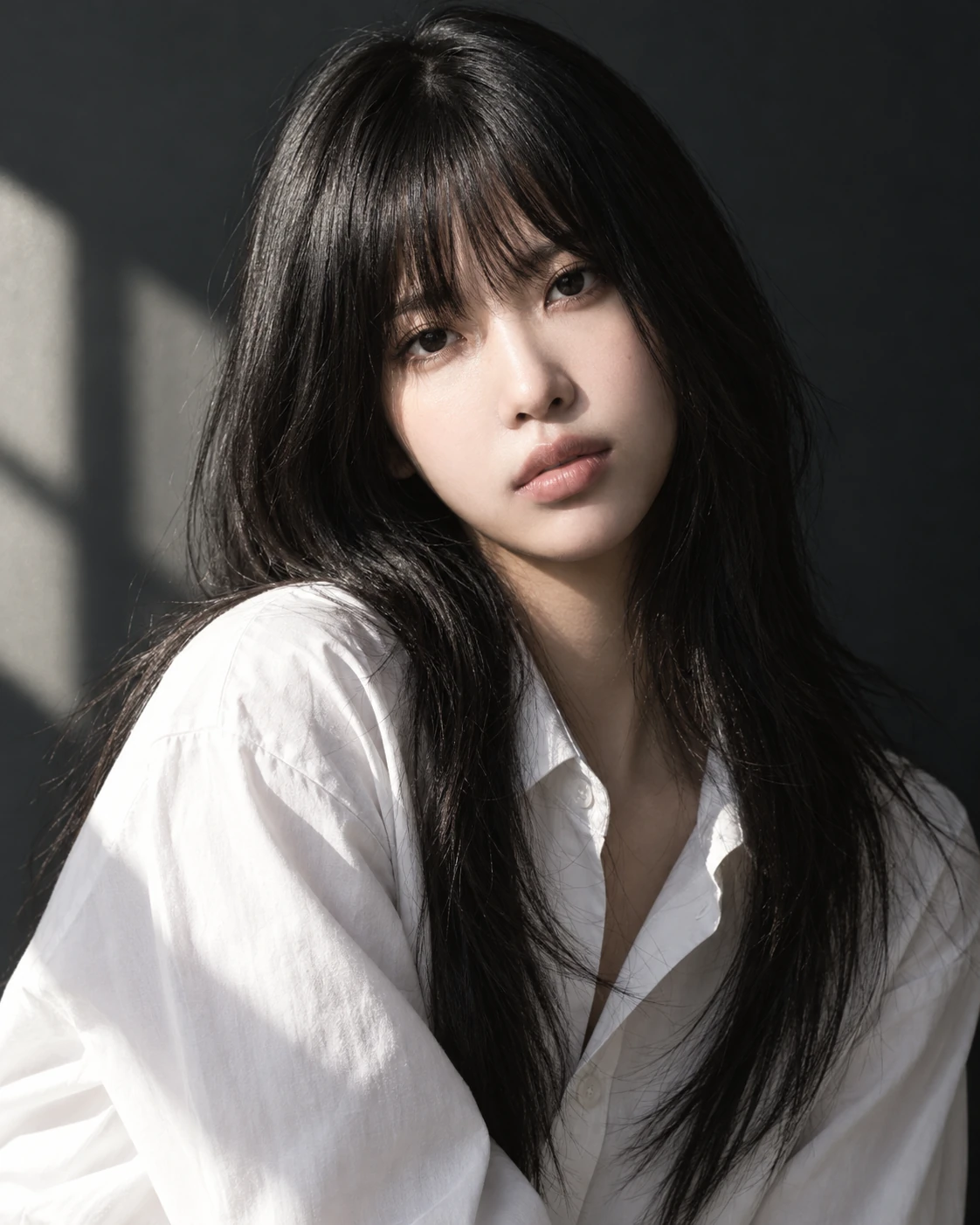
AI-generated study photograph. Editor captures and outputs show Photoshot in use.
From the source.
An established two-value operation
Threshold compares a brightness value with a control and outputs black or white. The work was not a new binarization technique, but connecting calculation, controls and stored settings within the existing adjustment layer.
The range is 0–255 and the default is 128. Unlike Part 9’s Black & White adjustment, this calculation retains no continuous gray values.
Round first, then compare inclusively
Revision 2 weights eight-bit RGB by 0.3, 0.59 and 0.11, then rounds to an integer. A value greater than or equal to the threshold becomes white; a lower value becomes black.
At threshold 128, gray 127 is black and 128 is white. Pure red, green and blue yield decision values 77, 150 and 28. This is weighted display-RGB brightness, not linear-light physical luminance. Both rounding and comparison order matter.
L728–735Photoshot implementation ↗
    if (t === 'threshold')
      out.fill(
        (a.revision === 2 ? Math.round(0.3 * R + 0.59 * G + 0.11 * B) : luma(r, g, b) * 255) >=
          v.threshold
          ? 1
          : 0,
      );
if (t === 'gradient') {Inside the
calculation.
The histogram uses another weighting
The shared histogram uses weights 0.2126, 0.7152 and 0.0722. These differ from the newer threshold decision, so a colored pixel’s histogram position need not exactly match its decision value.
A visible graph is not proof of identical arithmetic. We document the two calculations separately and retain this difference as a limitation of the inspected implementation.
Separate color decisions from alpha
The shared pixel path skips fully transparent pixels and preserves the remaining pixels’ original alpha. White output does not automatically become transparent.
The decision yields black or white, but opacity and masks can mix that result with the original and display intermediate gray or color. The decision stage and final compositing stage must be described separately.
Read the code.
L728–735Photoshot implementation ↗
    if (t === 'threshold')
      out.fill(
        (a.revision === 2 ? Math.round(0.3 * R + 0.59 * G + 0.11 * B) : luma(r, g, b) * 255) >=
          v.threshold
          ? 1
          : 0,
      );
if (t === 'gradient') {L836–853Photoshot implementation ↗
    beforeRGB: RGB = [0, 0, 0],
    mixed: RGB = [0, 0, 0];
  for (let i = start; i < end; i += 4) {
    if (!data[i + 3]) continue;
    let amount = opacity * (mask ? mask[i + 3] / 255 : 1);
    if (blend === 'dissolve') amount = pixelNoise(i / 4) < amount ? 1 : 0;
    if (!amount) continue;
    compiled(data[i], data[i + 1], data[i + 2], out);
    for (let c = 0; c < 3; c++) beforeRGB[c] = data[i + c] / 255;
    if (a.values.dither && (a.type === 'lookup' || a.type === 'gradient'))
      for (let c = 0; c < 3; c++) out[c] = clamp(out[c] + (pixelNoise(i / 4) - 0.5) / 255);
    blendRGB(beforeRGB, out, blend, mixed);
    for (let c = 0; c < 3; c++)
      data[i + c] = Math.round(clamp(beforeRGB[c] + (mixed[c] - beforeRGB[c]) * amount) * 255);
  }
}L253–265Photoshot implementation ↗
export function isIdentityAdjustment(a: Adjustment): boolean {
  if (a.type === 'lookup') return !a.cube;
  if (a.type === 'curves') return channels.every((c) => a.curves![c].every((p) => p.x === p.y));
  if (a.type === 'photo') return a.values.density === 0;
  if (['blackwhite', 'gradient', 'invert', 'posterize', 'threshold'].includes(a.type)) return false;
  if (a.bands?.some((b) => b.hue || b.saturation || b.lightness)) return false;
  return definitions[a.type].controls.every(
    (c) =>
      ['preserve', 'relative', 'skin', 'legacy', 'colorizeHue', 'colorizeSaturation'].includes(
        c.key,
      ) || (a.values[c.key] ?? c.initial) === c.initial,
  );
}In the editor.
The stored example and checked scope
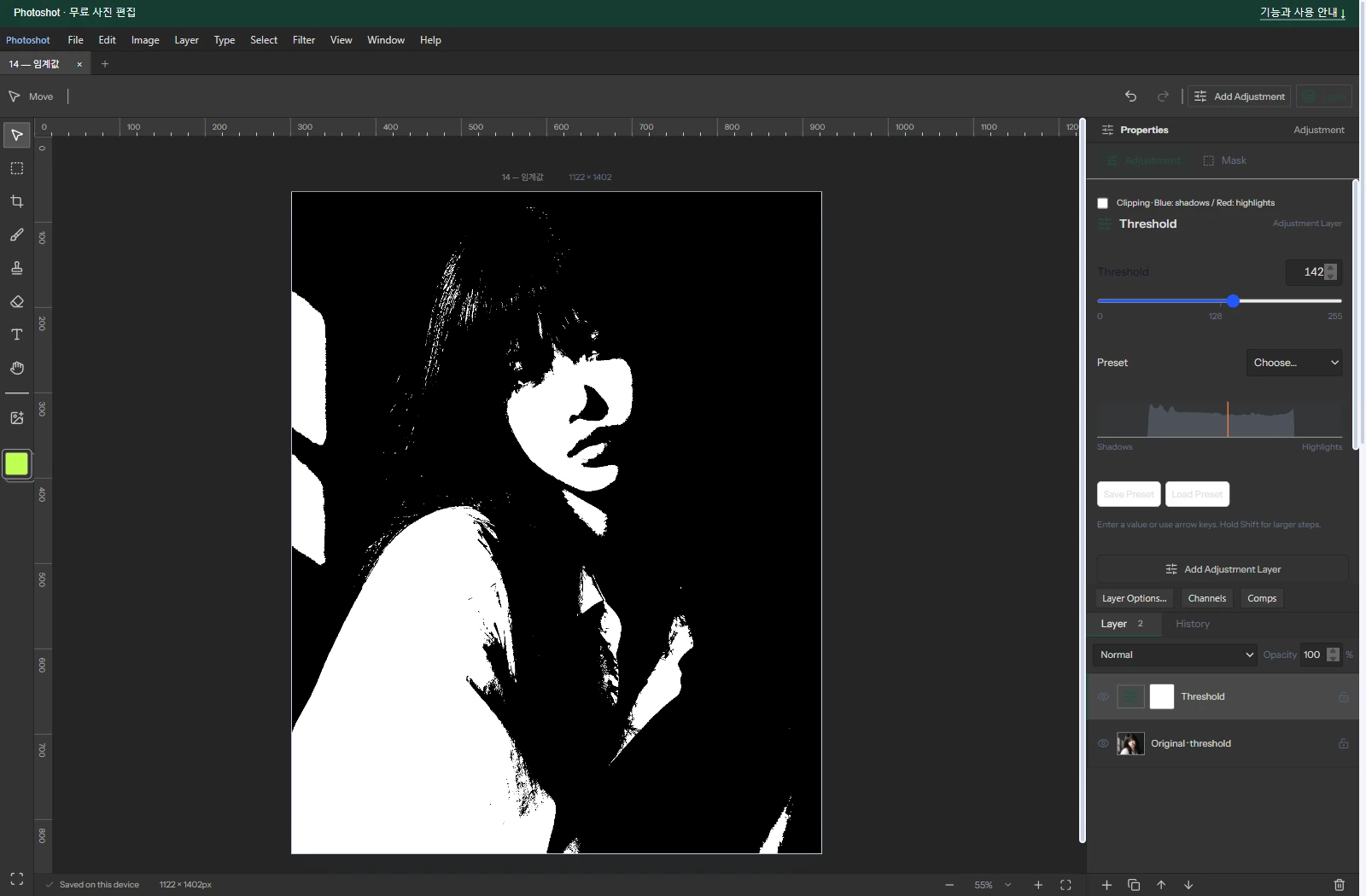
The saved photograph and project use Threshold 142 and opacity 100%. We use these recorded settings rather than conflicting numbers in the earlier draft. The AI-generated portrait was processed in the actual editor.
Today the existing sixteen-adjustment checks passed again for alpha, project roundtrip and compositor parity, including threshold. This does not remove the histogram weighting difference or establish complete Photoshop equivalence. Next is Gradient Map, assigning a range of colors instead of just two values.
The visible result.
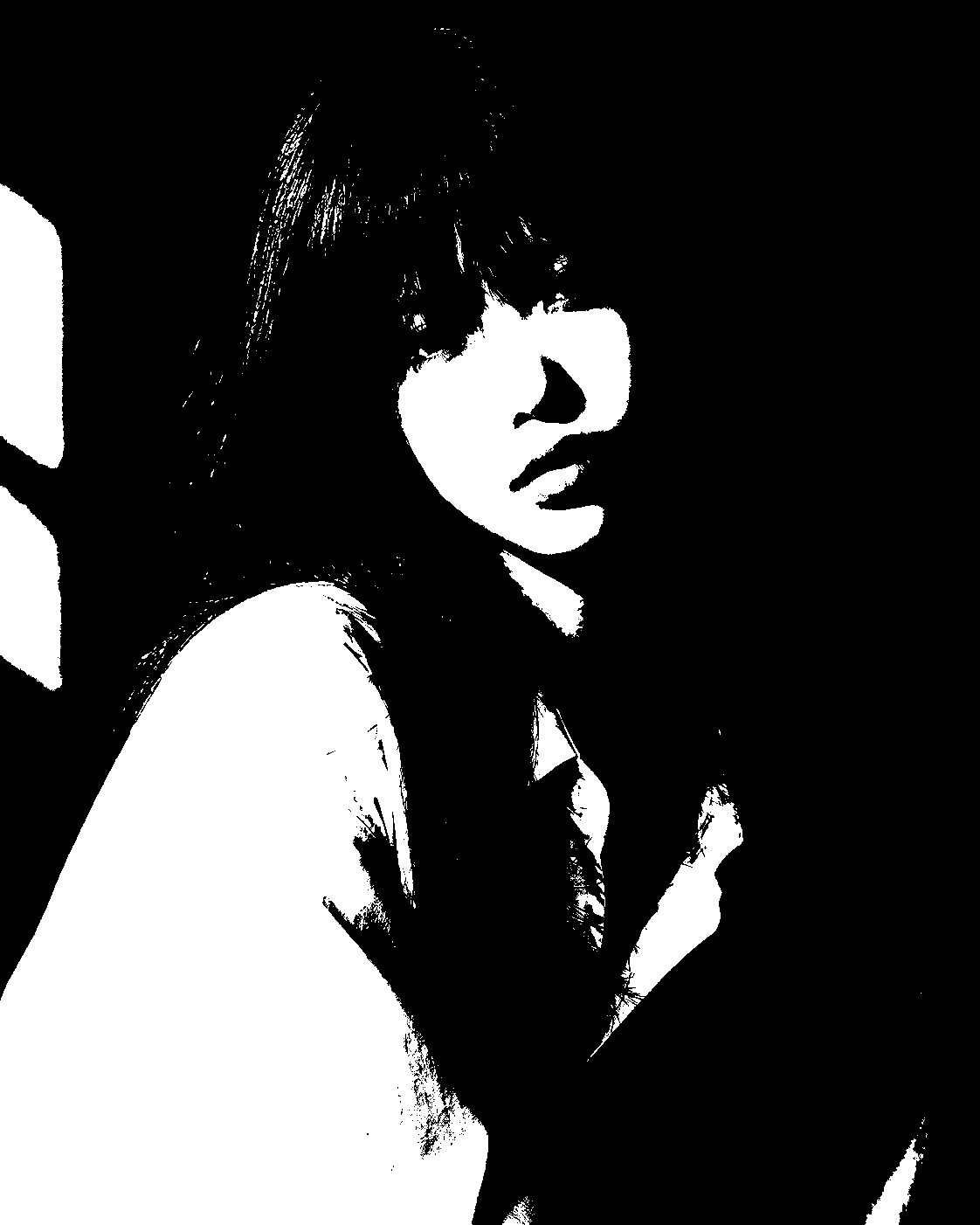
AI-generated study photograph. Editor captures and outputs show Photoshot in use.